CSS
CSS (Cascading Style Sheets) e a linguagem usada para definir o estilo e o layout visual de paginas web escritas em HTML. Com CSS, pessoas desenvolvedoras controlam cores, fontes, tamanhos, espacamentos, animacoes e responsividade para diferentes dispositivos.
Seletores
Seção intitulada “Seletores”1. Seletores simples
Seção intitulada “1. Seletores simples”- Seletor de elemento:
p {color: blue;}
- Seletor de classe:
.alert {color: red;}
- Seletor de ID:
#header {font-size: 24px;}
2. Seletores combinadores
Seção intitulada “2. Seletores combinadores”- Seletor descendente:
div p {margin: 10px;}
- Seletor de filho direto:
ul > li {list-style-type: square;}
- Seletor de irmao adjacente:
h1 + p {font-weight: bold;}
3. Seletores de atributo
Seção intitulada “3. Seletores de atributo”input[type="text"] { border: 1px solid black;}4. Pseudo-classes
Seção intitulada “4. Pseudo-classes”:hover:a:hover {color: green;}:nth-child():li:nth-child(2) {font-style: italic;}:nth-of-type():p:nth-of-type(2) {color: blue;}
5. Pseudo-elementos
Seção intitulada “5. Pseudo-elementos”::beforee::after:p::before {content: "Nota: ";font-weight: bold;}::first-line:p::first-line {color: purple;}
Transicoes
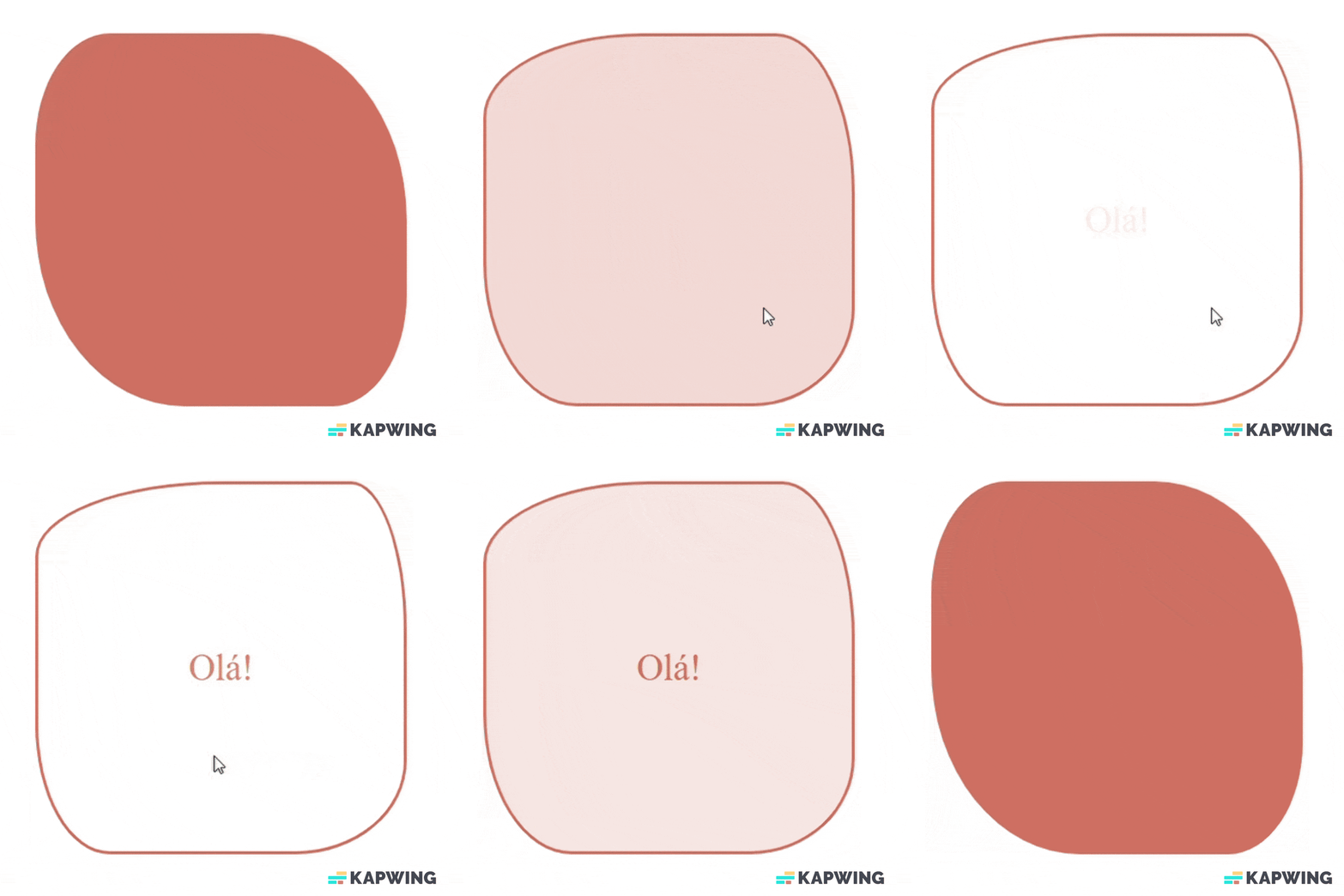
Seção intitulada “Transicoes”Exemplo de transicao:
<!DOCTYPE html><html lang="en"> <head> <meta charset="UTF-8" /> <meta name="viewport" content="width=device-width, initial-scale=1.0" /> <title>Transitions</title> <link rel="stylesheet" href="app.css" /> </head> <body> <div class="element"> <div>Ola!</div> </div> </body></html>.element { width: 300px; height: 300px; background-color: #d77a61; border-radius: 20% 40% / 30% 50%; border: 3px solid #d77a61; transition: 1s; text-align: center; line-height: 300px;}
.element div { color: rgba(215, 123, 97, 0); transition: 2s 1s; font-size: 30px;}
.element:hover { border-radius: 50% 15% 30% 20% / 20% 40% 25% 35%; background-color: white;}
.element:hover div { color: rgb(215, 123, 97);}Resultado: